
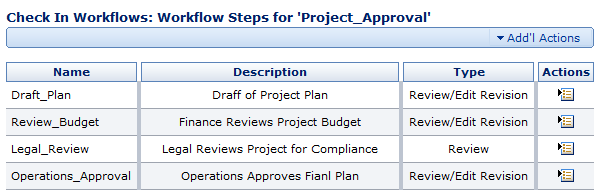
The Check In Workflows: Workflow Steps page shows the list of all workflow steps in the current workflow.
The Item Actions Menu
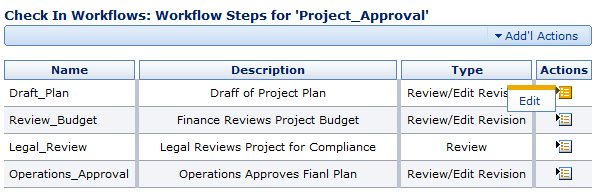
For each workflow step, the following options are available:
- Edit. Takes you to the Edit Step page where you can change the parameters for the current step in the current workflow.
-
Delete. Removes the step from the workflow. Only shows up if the workflow is disabled
The Add'l Actions Menu

The Add'l Actions menu has the following options:
-
Add Workflow Step. Takes you to the Check In Workflows: Add Workflow Step to Workflow page where you can add a new workflow step to the current workflow. Only shows up if the workflow is disabled
- Check In Workflows. Takes you to the Manage Workflows: Check In Workflows page where you can view the list of Check In Workflows in the system.
- Criteria Workflows. Takes you to the Manage Workflows: Criteria Workflows page where you can view the list of Criteria Workflows in the system.
Comments